Viewing Alerts in the Reservation Summary Section
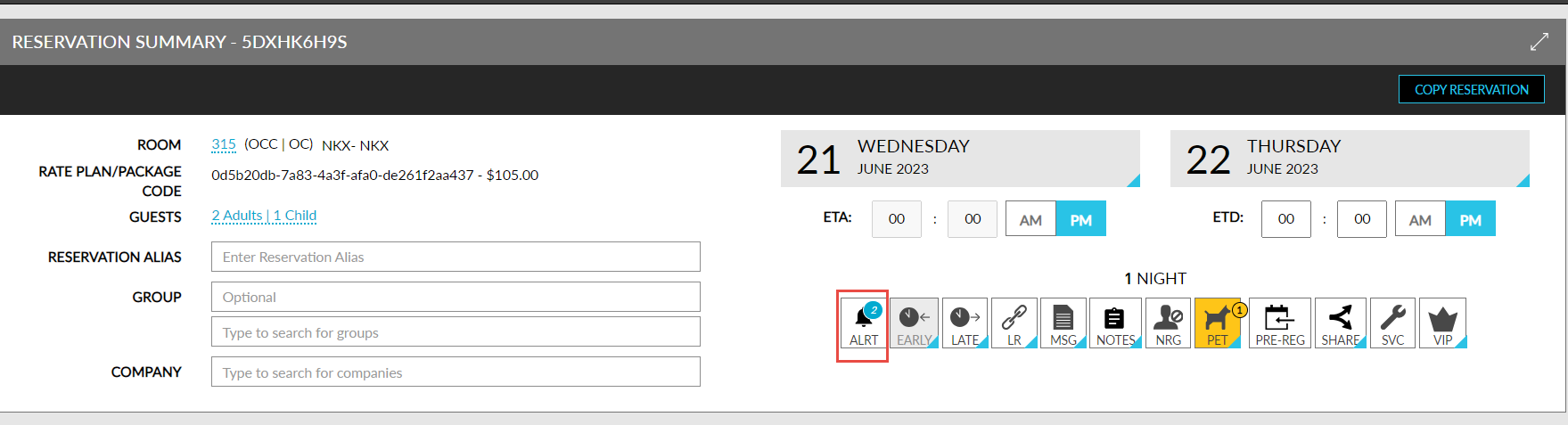
The alerts pertaining to a reservation are displayed when users click the Alerts badge on the Reservation Summary section of the reservation. When clicked, the Alerts screen appears that displays the following tabs:
-
Open: Displays all the open alerts for the reservation.
-
Archive: Displays all the alerts marked as Archived.
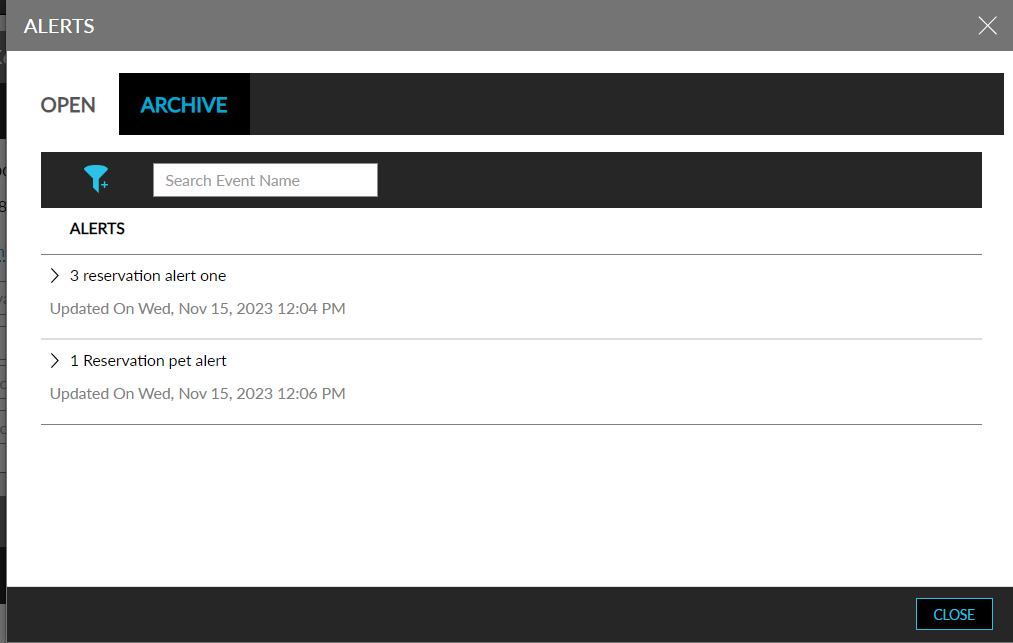
Users can archive the alerts that are displayed in the Open tab. Once the alert for a reservation is addressed, it can be archived. Users can filter and search records using the alert name on this screen.